4K
Fog Over the Highlands
0:15·43k views·Cinematic
0:15
Fog Over the Highlands
Cinematic · 43k views
AI Video Generation
Ultra-smooth motion, consistent characters, and studio-grade visuals — generated in under 60 seconds.
Watch it Work
Discover how each generation mode transforms inputs into cinematic motion.
Generated by
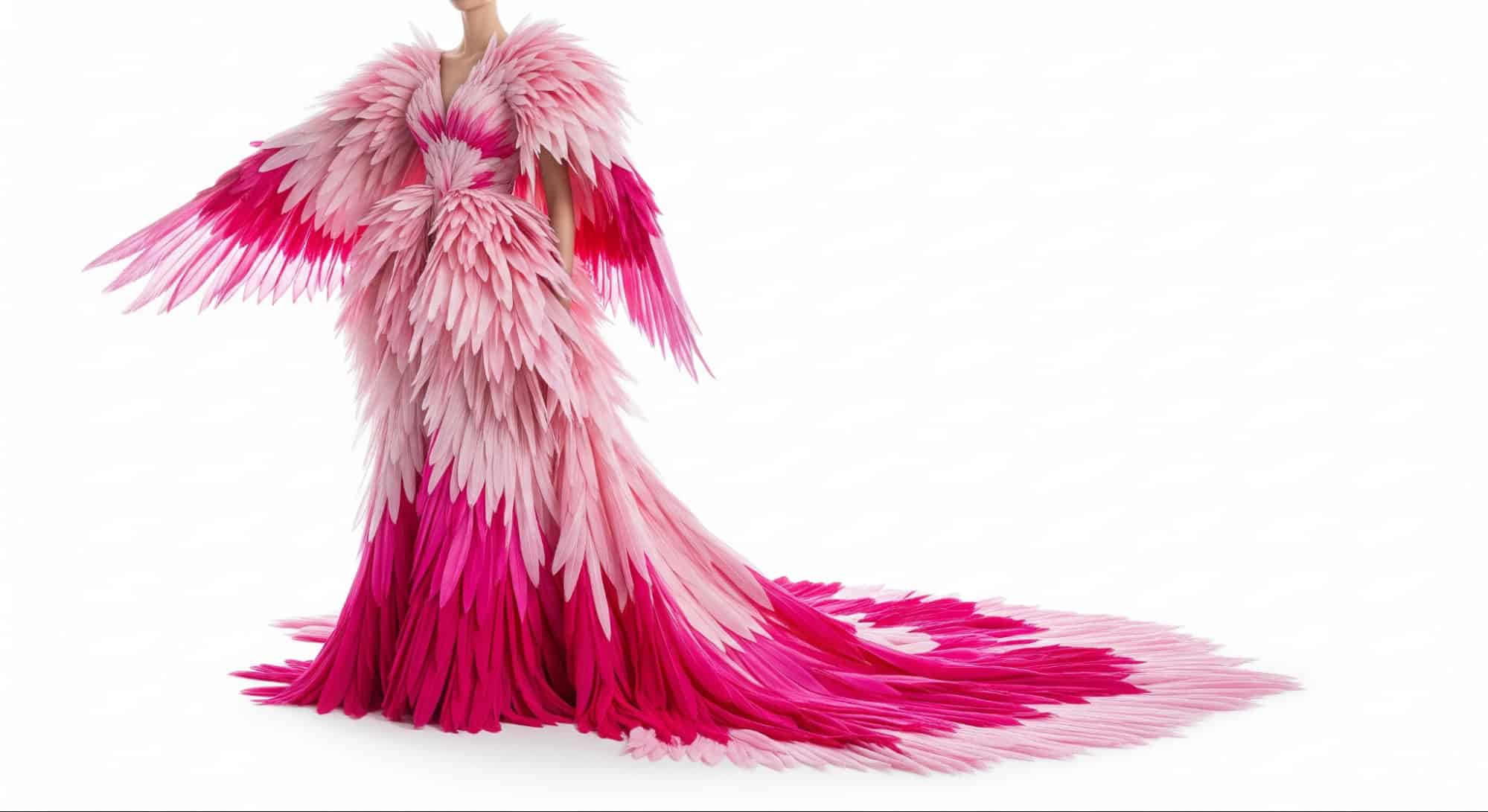
Google Veo 3.1 allows you to upload up to three images. And it will use them to generate a video with character or object consistency maintained. For instance, you can provide photos of a woman, a dress, and sunglasses to generate a video of her walking in a lagoon while preserving appearances.
Input images


Output video
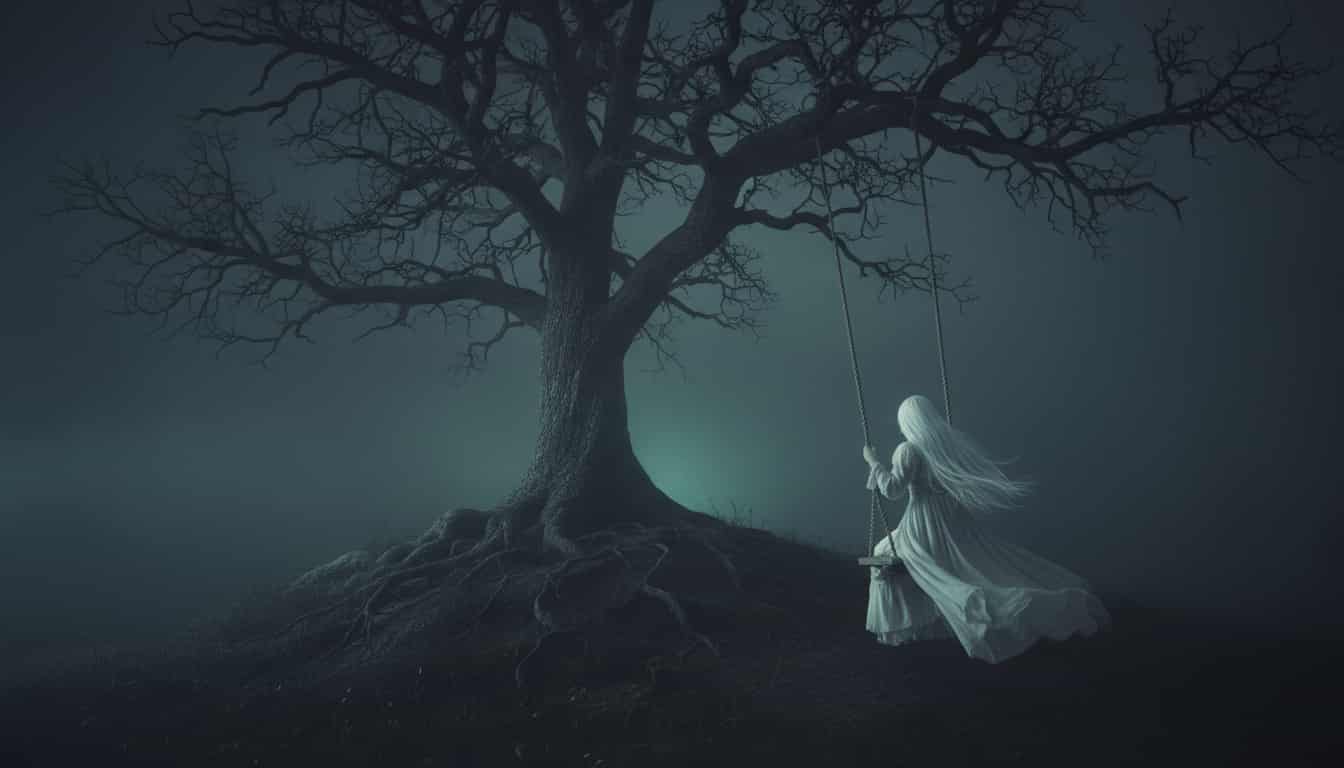
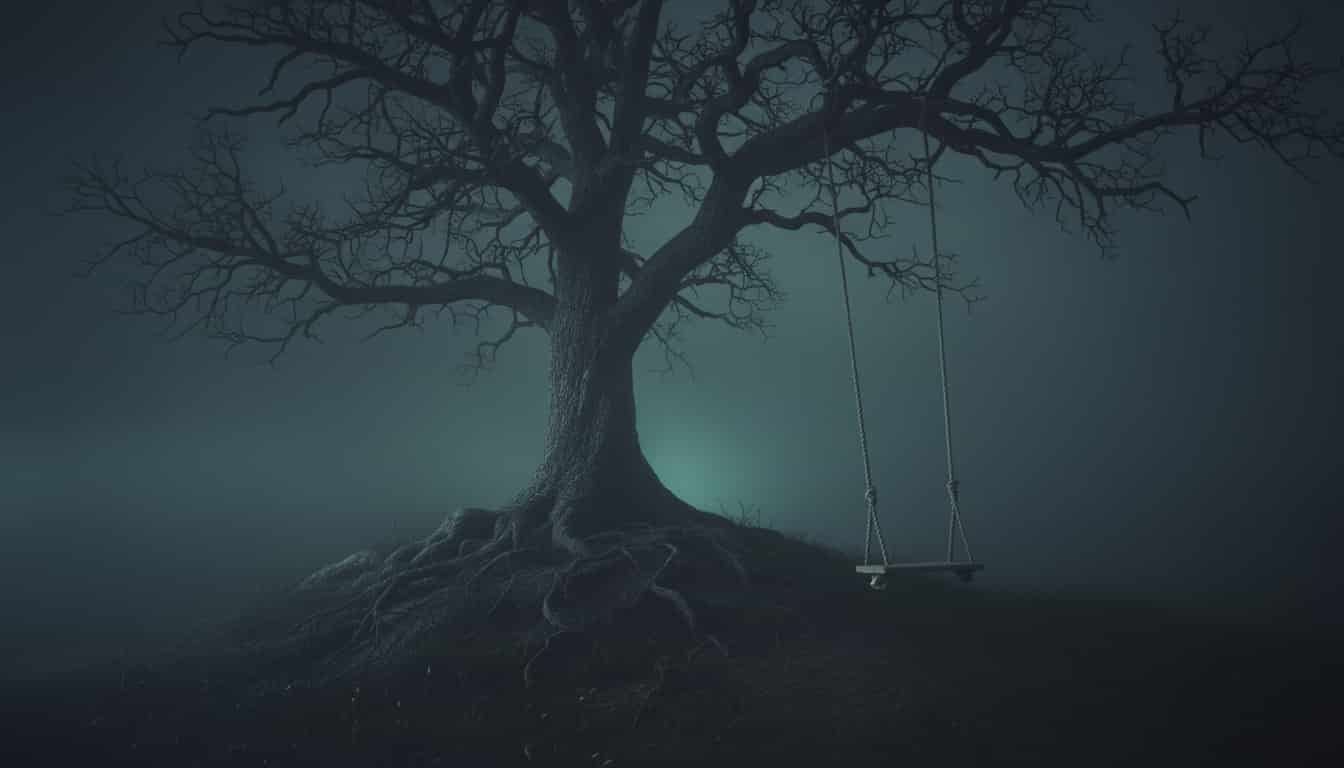
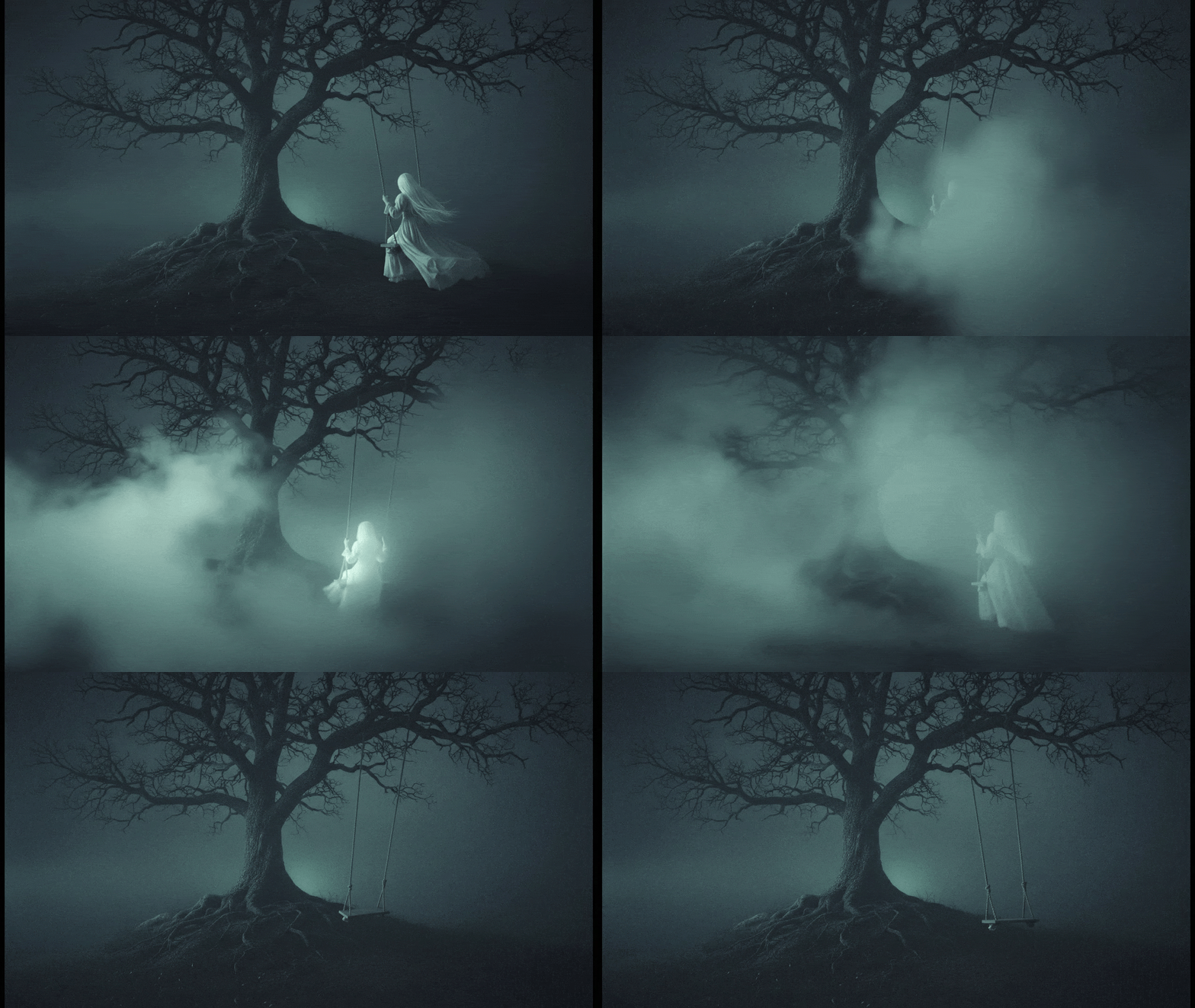
With Google Veo 3.1, you can also upload first and last frame image inputs to create videos with smooth interpolations. For example you can generate a transition from a ghostly woman on a swing to an empty swing, create a fading effect, or animate a panning scene.
First frame
Last frame
Output video
One of Veo 3.1's standout advancements is its ability to generate more realistic audio natively alongside the video, seamlessly integrating synchronized sound effects, dialogue, ambient noises, and even music without the need for separate tools or editing. This feature is always active in the model.
Prompt
Output video
A cat “singing” opera with full orchestra, looking surprisingly profound.
A medium shot, historical adventure setting: Warm lamplight illuminates a cartographer in a cluttered study, poring over an ancient, sprawling map spread across a large table. Cartographer: “According to this old sea chart, the lost island isn’t myth! We must prepare an expedition immediately!”
Veo 3.1 boasts sophisticated prompt interpretation capabilities, allowing it to process complex, detailed text descriptions with high accuracy and adherence, translating nuanced creative ideas into coherent videos that respect real-world physics and artistic intent. Prompts can include intricate instructions on subjects, actions, styles, camera movements.
Prompt
A close up of two people staring at a cryptic drawing on a wall, torchlight flickering. A man murmurs, 'This must be it. That's the secret code.' The woman looks at him and whispering excitedly, 'What did you find?'
Output video
Beyond generation, Veo 3.1 also offers robust editing tools to refine and expand videos, allowing users to modify existing clips for seamless integration into larger projects. Video extension is a core feature, enabling the addition of up to 7 seconds to a prior Veo-generated clip (repeatable up to 20 times), using the last second of the input for continuity.
Input video
Prompts
Prompt 1:
Graceful dancer is slowly dancing to classical music.
Prompt 2:
A male dancer comes in, gracefully dancing with the woman as classical music plays.
Prompt 3:
More dancers show up on the stage.
Prompt 4:
The classical music continues, and the dancers continue to dance.
Output video
Showcase
Process
01
Describe the scene, mood, and style you envision. Be as sparse or as detailed as you like — the model understands cinematic language.
02
Choose duration, aspect ratio, quality, and visual style. Frame it like a director setting up a take.
03
Your video renders in seconds. Download in 4K, share to the gallery, or iterate with a new prompt.
Capabilities
Every generation renders at up to 3840×2160. Framerate, motion blur, and depth-of-field are model-controlled for a true cinematic look.
Generate short takes or extended scenes. The model maintains temporal coherence across the full duration — no jarring cuts or drift.
Switch between Cinematic, Documentary, Abstract, Anime, Architectural, and Nature styles. Each mode changes lighting, colour grade, and motion physics.
No experience required. No equipment. No waiting.
Just an idea and a prompt.